SSO ID Rajasthan · Free Tool
Photo Resizer
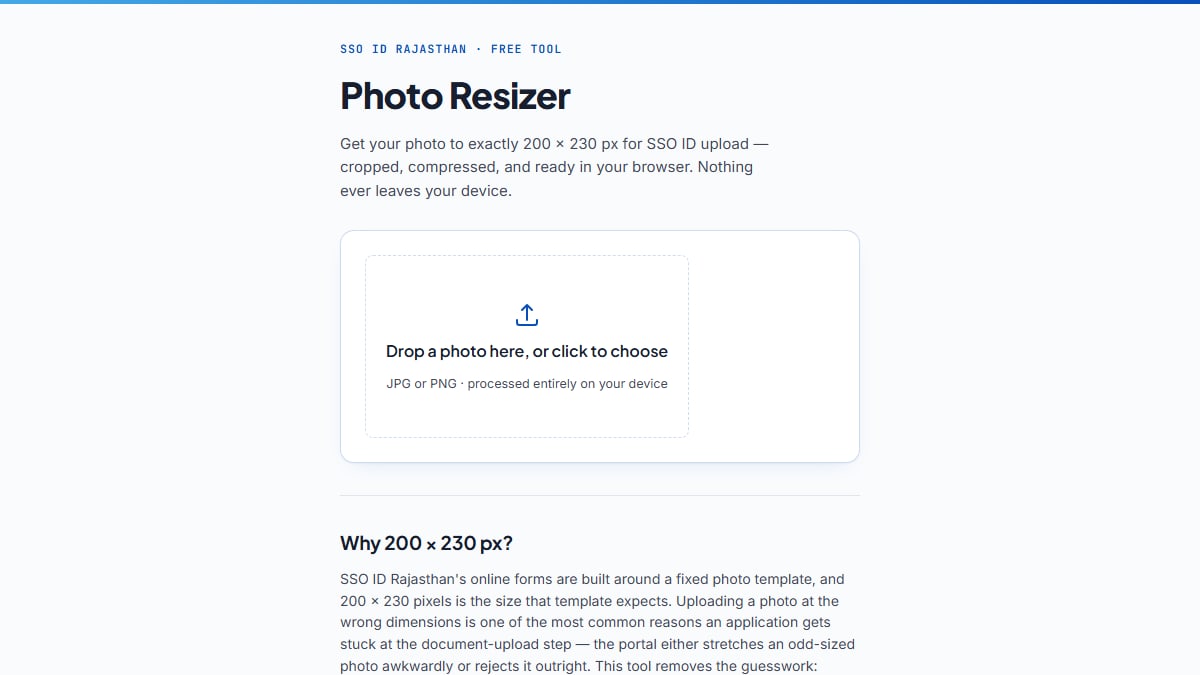
Get your photo to exactly 200 × 230 px for SSO ID upload — cropped, compressed, and ready in your browser. Nothing ever leaves your device.
Most SSO ID Rajasthan photo uploads accept 50–100 KB. Adjust if your form states a different limit.
Looks good? Download it and upload directly to your SSO ID form. Want to reposition it instead? Use "Edit again."
Why 200 × 230 px?
SSO ID Rajasthan's online forms are built around a fixed photo template, and 200 × 230 pixels is the size that template expects. Uploading a photo at the wrong dimensions is one of the most common reasons an application gets stuck at the document-upload step — the portal either stretches an odd-sized photo awkwardly or rejects it outright. This tool removes the guesswork: position your face inside the frame, and the download is already sized correctly.
Frequently asked questions
What size photo does SSO ID Rajasthan require?
Most SSO ID Rajasthan forms — registration, recruitment applications, and similar uploads — ask for a passport-style photo sized 200×230 pixels in JPEG format. This tool crops and resizes your photo to that exact size automatically.
What is the maximum file size for an SSO ID photo?
Government recruitment notifications issued through the SSO portal commonly set the photo size between 50KB and 100KB. Because the exact limit can vary slightly by form, this tool lets you set your own target, defaulting to 100KB, so you can match whatever your specific form asks for.
Is my photo uploaded anywhere when I use this tool?
No. Everything happens locally in your browser using your own device's processing power. Your photo is never sent to a server, stored, or seen by anyone, including the makers of this tool.
My photo looks sideways or upside down. What do I do?
Use the rotate buttons below the photo to turn it 90 degrees at a time until it faces the right way, then continue positioning it as normal.
Does this photo resizer work on mobile phones?
Yes. Drag with one finger to reposition the photo and pinch with two fingers to zoom in or out. The tool works the same way on a phone as it does on a computer.
This is a free, independent tool and is not affiliated with, endorsed by, or operated by the Government of Rajasthan or sso.rajasthan.gov.in.