Visit your nearest e-Mitra centre with your Aadhaar or Jan Aadhaar. The operator can update your registered contact details in person, after which SMS and OTP recovery will work again.
You can recover both in minutes, and the fastest route doesn't even need the internet. Start with the SMS method below.
Send a text from your registered mobile number, get an instant reply. Works even without data or a smartphone.
You'll receive your SSO ID by instant reply.
Follow the reply to set a new password.
Prefer the website, or texting from a different number? Use this route.
Go to sso.rajasthan.gov.in and click "I Forgot my Digital Identity (SSOID)".
Choose how you registered, such as Jan Aadhaar, Bhamashah, Aadhaar, or another linked ID.
Enter the OTP sent to your registered mobile to confirm it's you.
Your username is displayed instantly. Save it somewhere safe this time.

On the login page, select the forgot-password link.
Provide the username and the email linked to your account.
Pick where to receive the code, verify, then open the password-reset link.
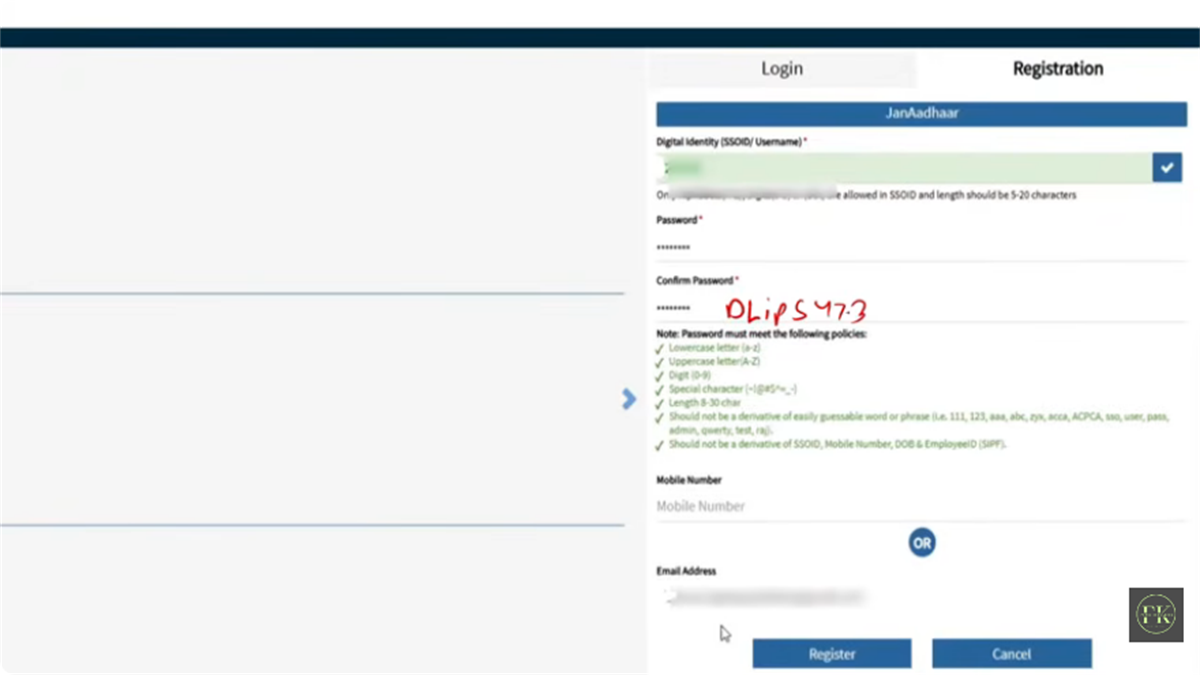
8 to 30 characters with an uppercase, lowercase, digit, and special character. Avoid your username, DOB, or mobile number.
If the number on your account is deactivated or unreachable, OTP recovery won't work. Here's the fallback.
Visit your nearest e-Mitra centre with your Aadhaar or Jan Aadhaar. The operator can update your registered contact details in person, after which SMS and OTP recovery will work again.
No, that creates a duplicate and your Aadhaar can only link to one ID. Recover the existing one by SMS (RJ SSO to 9223166166) or via the portal.
The text must come from the exact mobile number registered on your SSO account. From a different number, use the portal recovery flow instead.
Try Jan Aadhaar first if you're a Rajasthan resident, then Aadhaar. If none work, recover by SMS or visit an e-Mitra centre with your Aadhaar.
It's immediate once you verify the OTP and open the reset link. You can log in right away with the new password.
Recover your SSO ID first (you need the username to reset the password), then run the password reset. Both take only a couple of minutes.
Registration and recruitment forms need a correctly sized photo. Prep it here before you start, all on your device.